About ABB ABB OY,ACS-CP-A Drive Assistant Control Panel
ABB ABB OY,ACS-CP-A Drive Assistant Control Panel
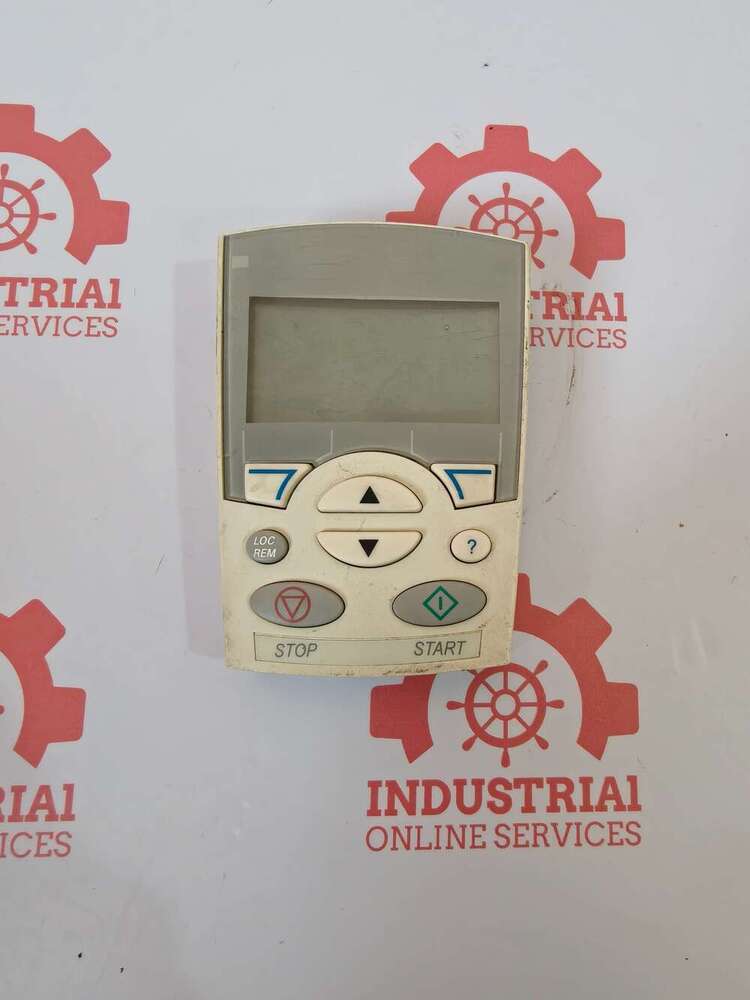
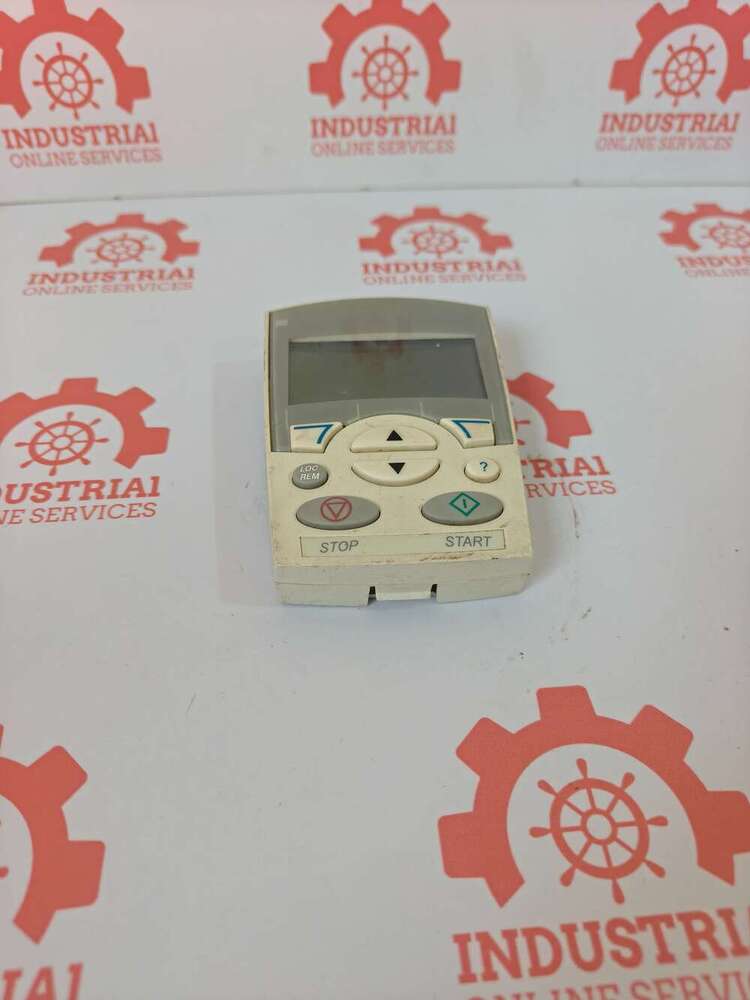
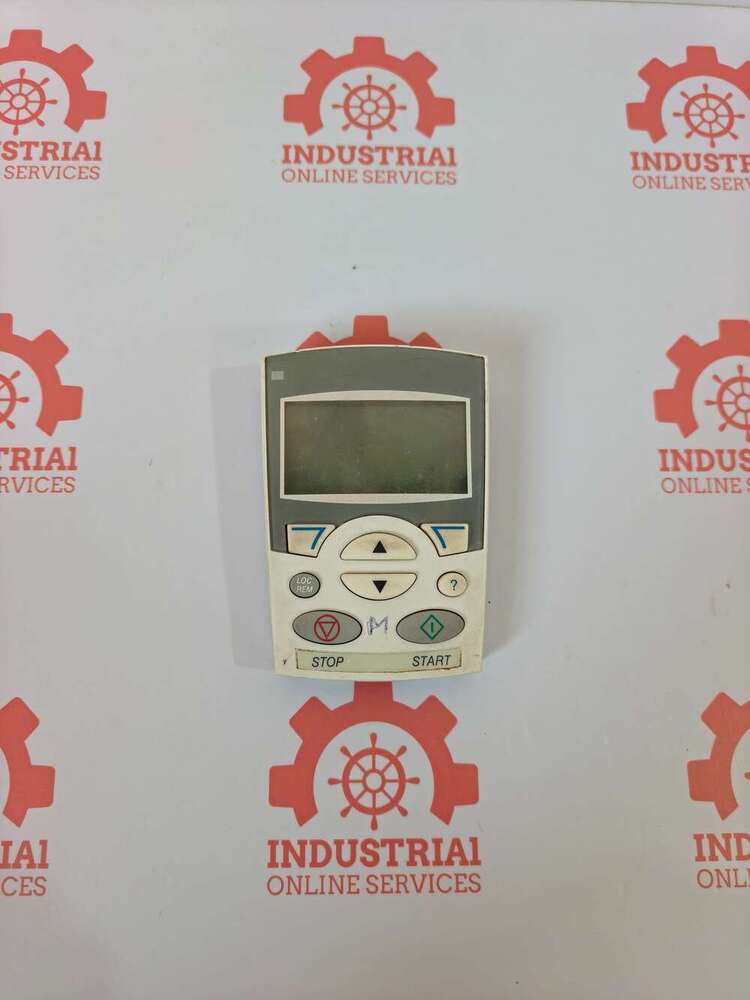
The ABB Oy ACS-CP-A is an Assistant Control Panel (Keypad) manufactured by ABB Oy (Finland). It serves as a human-machine interface (HMI) for real-time monitoring, configuration, and parameter backup.
Key Specifications & Compatibility
- Supported Drives: Seamlessly interfaces with low-voltage general-purpose AC Variable Frequency Drives (VFDs). It is primarily built for ABB ACS310, ACS350, ACS355, and ACS550 series.
- Part Number: Commonly cataloged under ABB MPN 64691473 or 3ABD64691473.
- Display & Layout: Features an alphanumeric graphical LCD display with softkeys, real-time clock, and a status LED indicator (Green for normal, flashing/Red for faults).
- Core Functions: Designed for parameter copying/backup, downloading profiles to other drives, and built-in wizard assistants to guide users through initial motor setups
Effortless Control and DiagnosticsThe ACS-CP-A Drive Assistant Control Panel streamlines the adjustment and monitoring of ABB drives. With an intuitive navigation keypad and clear LCD display, users can easily manage drive parameters, diagnose faults, and optimize system performance. This reduces downtime and simplifies troubleshooting, ensuring operational efficiency in diverse settings.
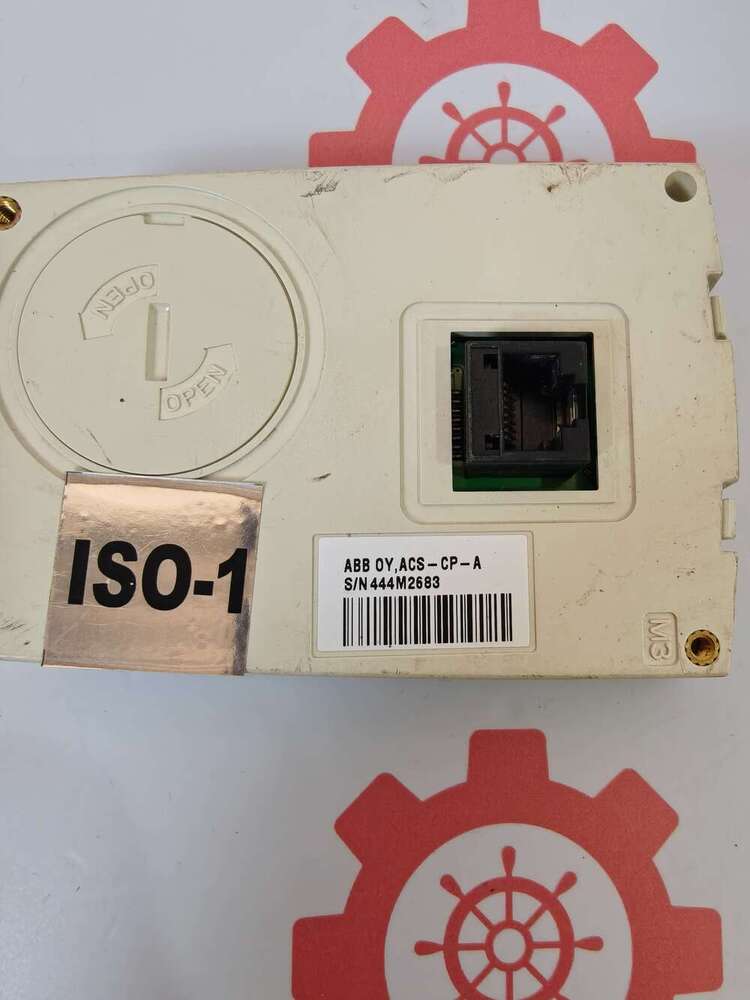
Flexible Compatibility and User-Friendly DesignThis control panel is compatible with popular ABB drive models including ACS355, ACS310, ACS550, and ACS800. Designed for panel mounting with a convenient ribbon cable connector, it integrates effortlessly into existing systems. The clear display and robust keypad make setup and daily operation straightforward, even for those new to ABB drive controllers.
FAQ's of ABB ABB OY,ACS-CP-A Drive Assistant Control Panel:
Q: How do I install the ABB OY ACS-CP-A Drive Assistant Control Panel?
A: To install the ACS-CP-A Control Panel, simply mount it on the designated panel slot using the provided ribbon cable connector. No separate power supply is needed as it draws power from the connected ABB drive. Ensure compatibility with your drive model before installation.
Q: What steps are involved in programming ABB drives with this control panel?
A: Programming is managed through the navigation keypad and LCD display, allowing users to access menus for configuration, parameterization, and diagnostics. Refer to the drive's manual for step-by-step instructions, as the panel provides guided prompts for each parameter change.
Q: When should I use the ACS-CP-A control panel for my drives?
A: Use this control panel whenever you need to program, control, or diagnose ABB drives. It is especially useful during initial setup, routine maintenance, or when troubleshooting drive performance issues.
Q: Where can the ACS-CP-A be installed for optimal operation?
A: The panel is designed for indoor, panel-mounted installations in control cabinets or switchboards. Its compact dimensions and IP20 protection class make it suitable for industrial environments within a temperature range of -10C to +50C.
Q: What benefits does the ACS-CP-A offer over standard control methods?
A: The ACS-CP-A enhances operational efficiency by providing direct access to drive parameters, real-time monitoring, and comprehensive diagnostics. Its user-friendly interface reduces the learning curve and supports quick, accurate adjustments, minimizing downtime and improving productivity.
Q: Can this panel be used with all ABB drive models?
A: While the ACS-CP-A is compatible with popular models like ACS355, ACS310, ACS550, and ACS800, it also works with other selected ABB drives. Always check the compatibility list or consult with the supplier to confirm suitability for your specific drive model.






 Send Inquiry

 Send Inquiry
 Send Inquiry
 Send SMS