About ABB OY,ACS-CP-C Drive Basic Control Panel
ABB OY,ACS-CP-C Drive Basic Control Panel
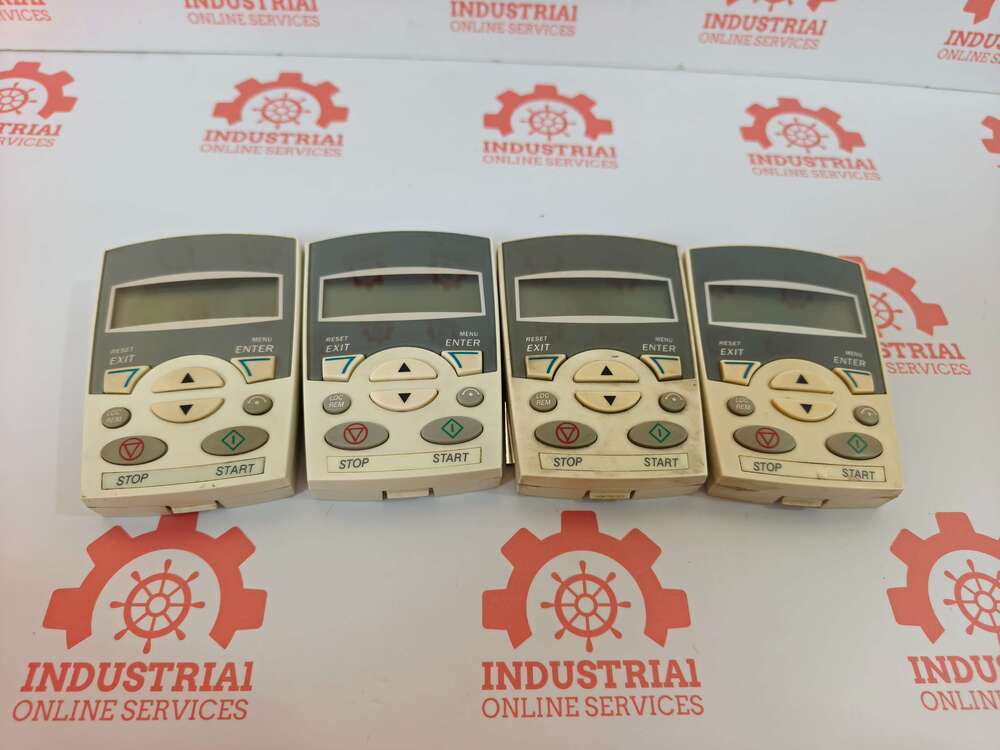
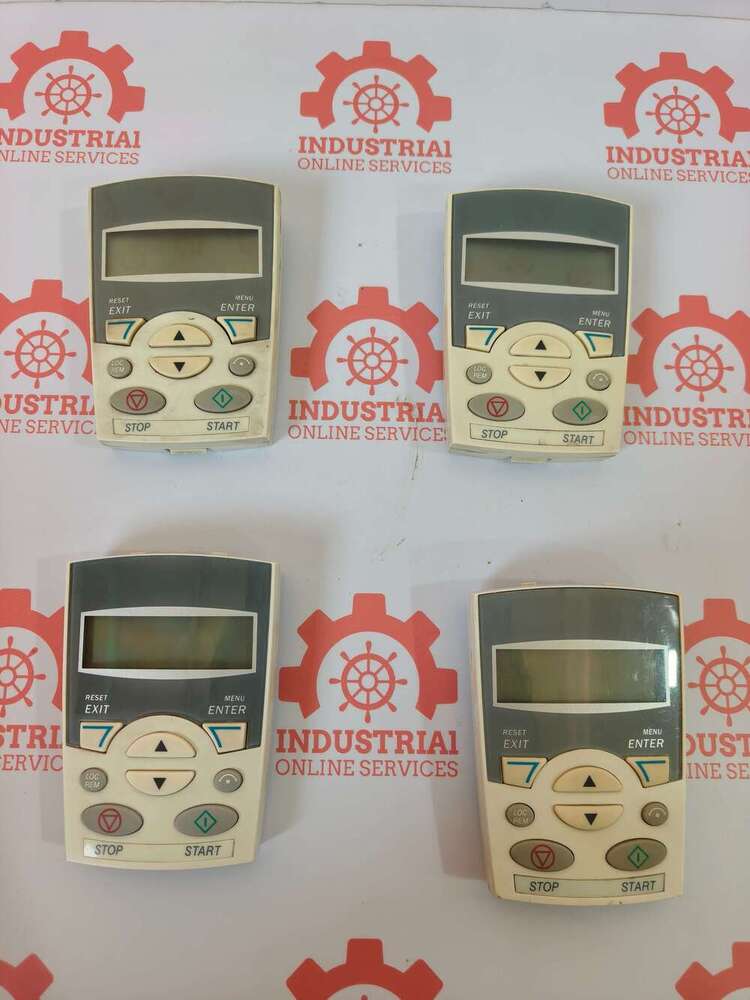
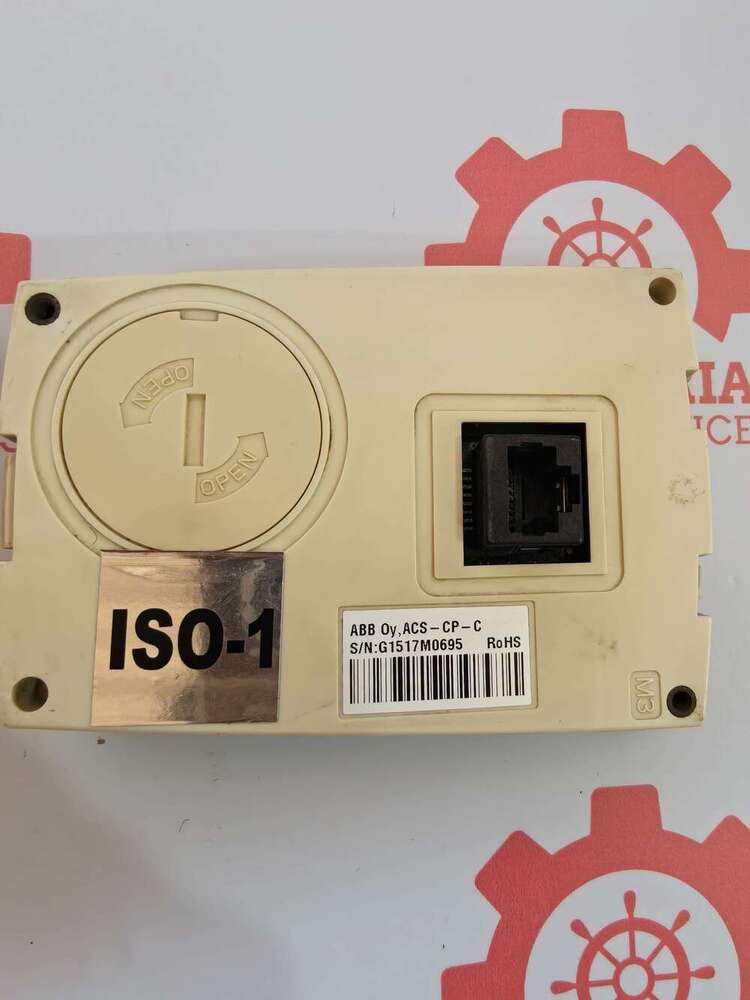
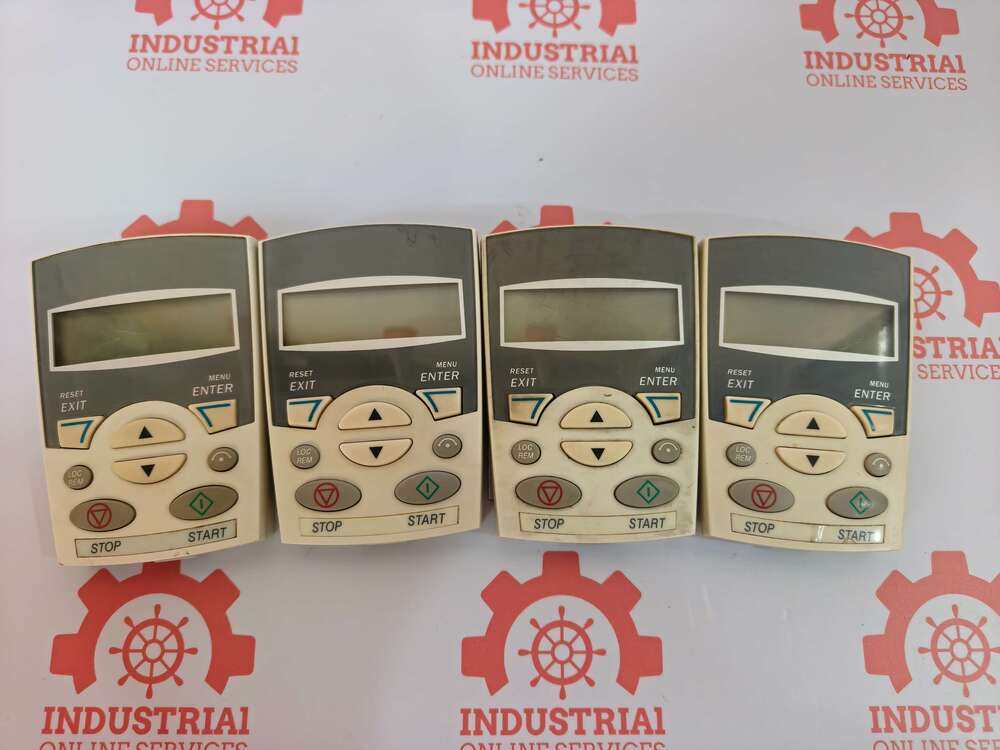
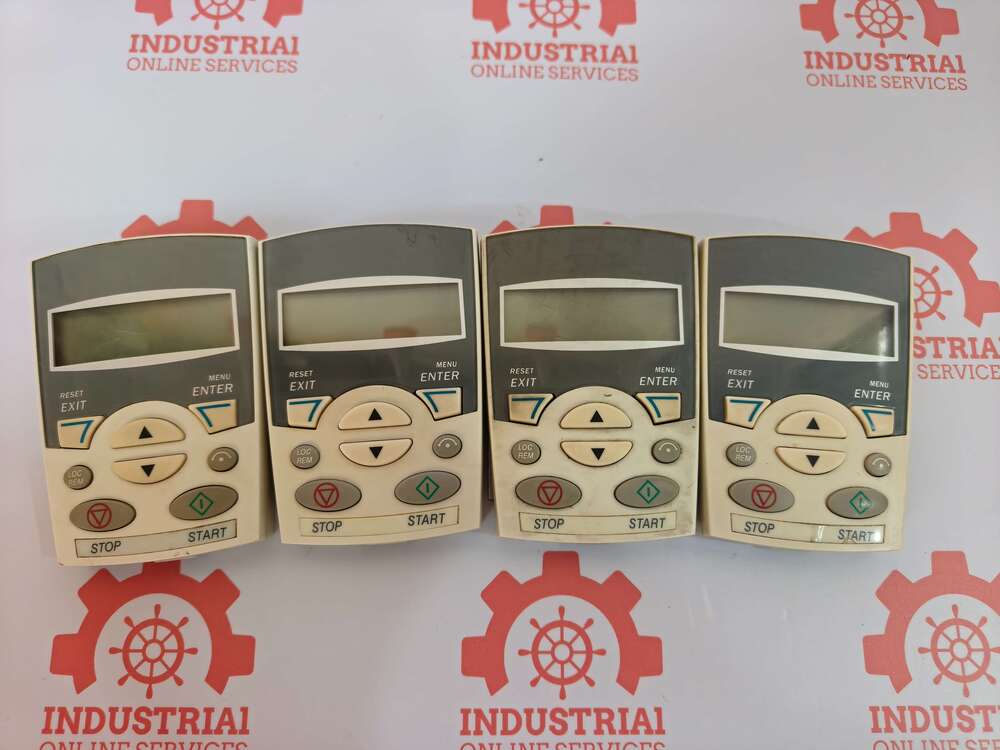
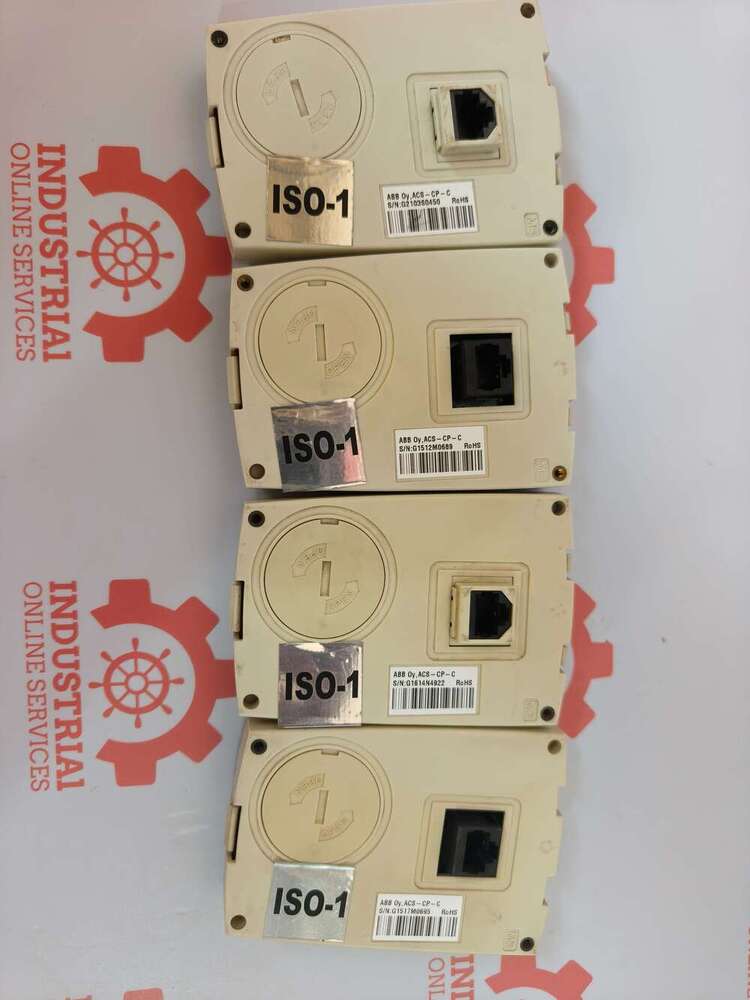
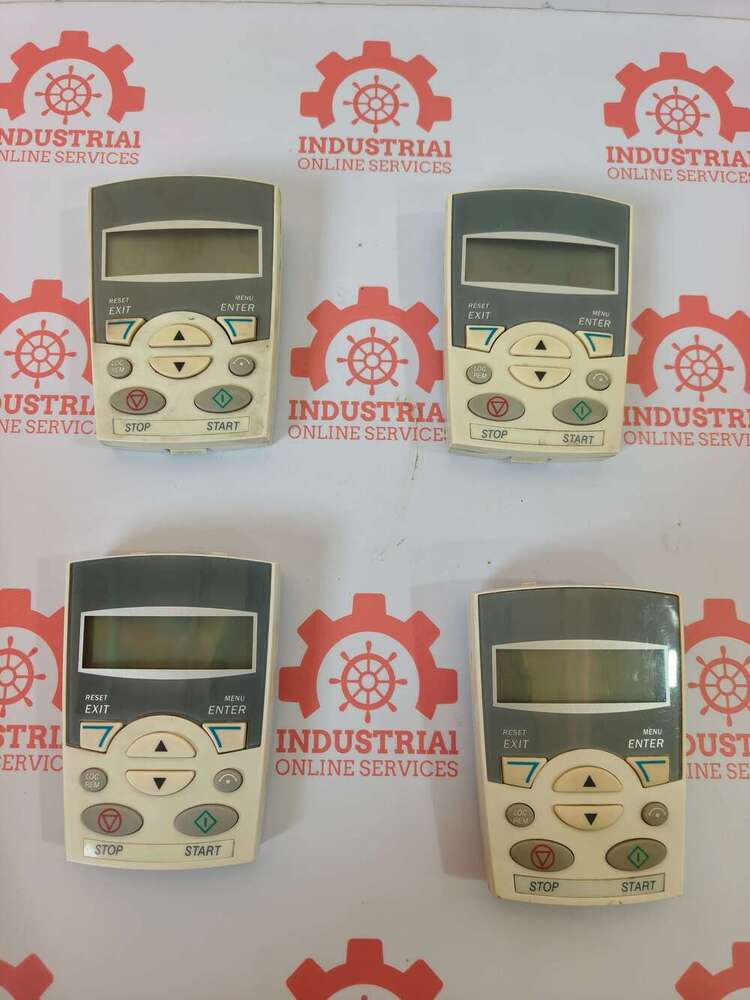
The ABB Oy ACS-CP-C is a Basic Control Panel (Keypad) manufactured by ABB. It serves as a human-machine interface (HMI) designed for basic configuration, parameter cloning, monitoring, and motor control on specific series of ABB Low Voltage AC Variable Frequency Drives (VFDs).
Key Technical Specifications
- Display Structure: Features a single-line numerical LCD display to view parameter codes, fault alerts, and operational signals.
- Control Keys: Outfitted with dedicated mechanical buttons for starting, stopping, switching directions (forward/reverse), and parameter editing.
- Backup & Replication: Built with the capability to download and copy parameter sets from one drive and upload them to another identical drive.
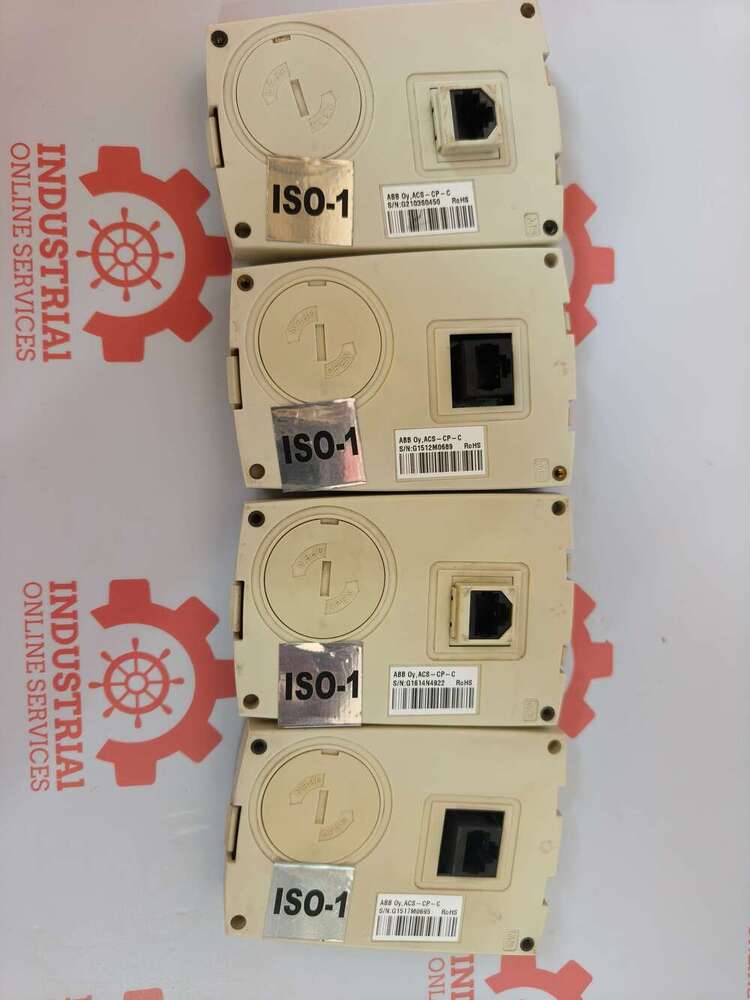
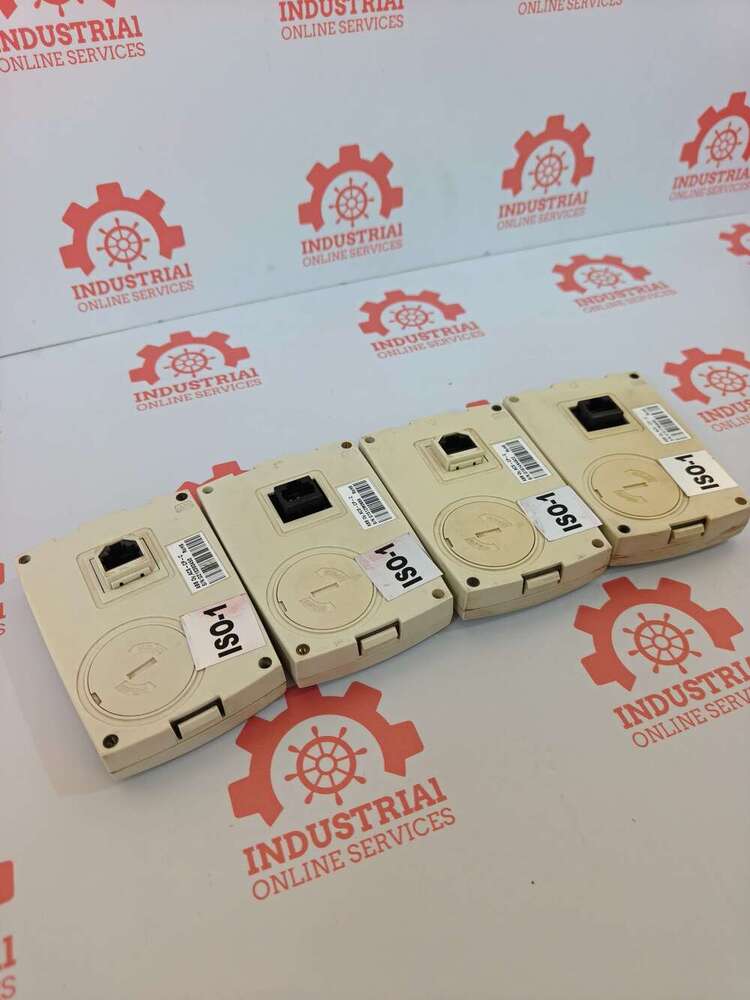
- Physical Profile: Lightweight module weighing roughly 0.12 kg to 0.75 kg (depending on the housing variant) with a compact frame. It plugs directly into the VFD keypad slot
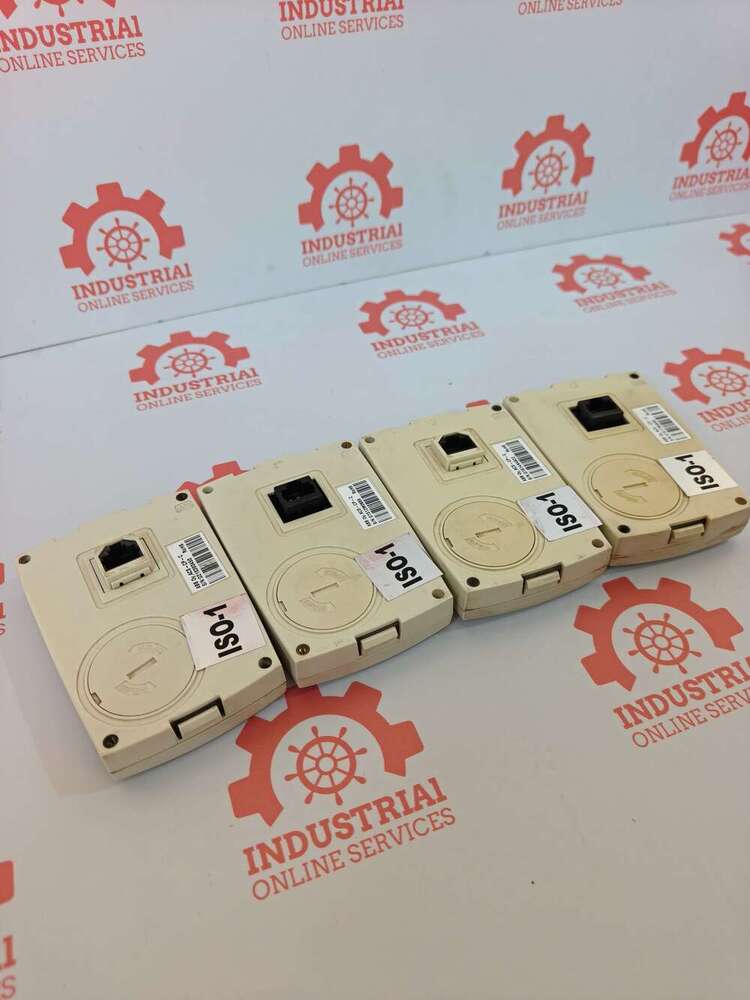
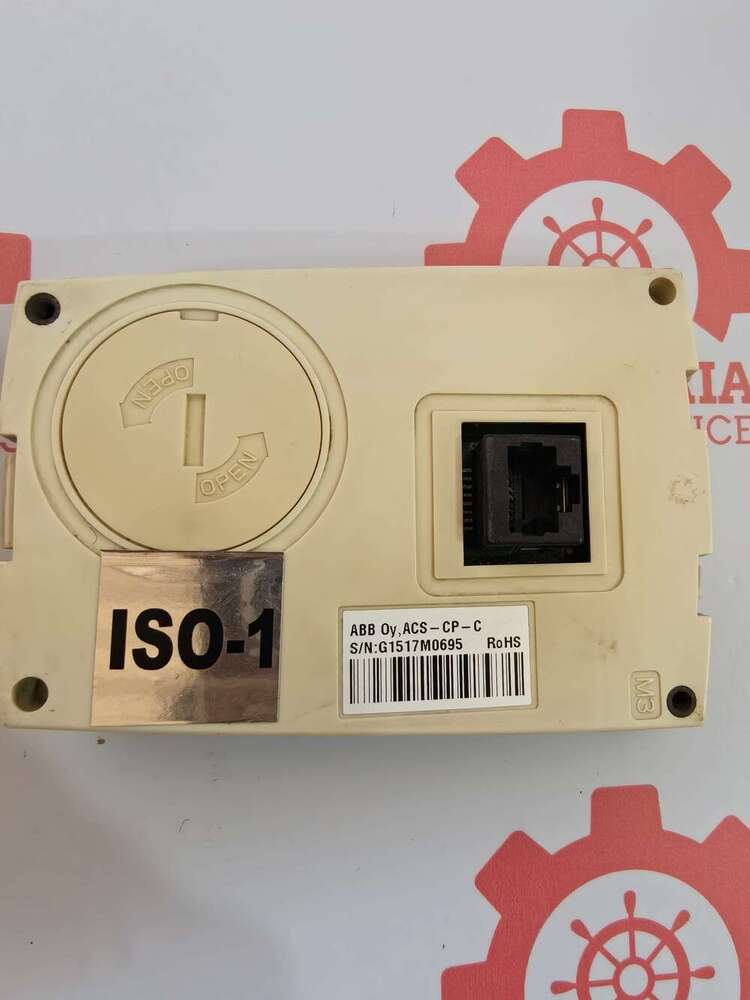
Streamlined Control IntegrationOptimize your ABB drive operations with the ACS-CP-C Basic Control Panel, designed for fast mounting and simple connection via an RJ-45 port. The panel integrates effortlessly on the front of your ABB ACS355, ACS310, or ACS150 drive, providing direct access to drive parameters with intuitive navigation and editing features. Its durable polycarbonate construction delivers reliability for demanding industrial settings.
Effortless Parameter NavigationNavigating and adjusting drive settings is made easier with this panel's clear 2-line display and six responsive membrane buttons. Users can directly edit parameters, change operational modes, and monitor drive status in real time, all from a user-friendly interface. The multi-language support broadens usability for diverse teams in industrial environments.
User-Friendly, Field-Replaceable DesignDesigned to be quickly replaced by users without specialized tools, the ACS-CP-C panel ensures minimal downtime during maintenance. Its plug-and-play functionality and direct power interface from the drive simplify installation and replacement, making it a practical solution for ongoing operation and service work in factories or automation settings.
FAQ's of ABB OY,ACS-CP-C Drive Basic Control Panel:
Q: How do I install the ABB ACS-CP-C Drive Basic Control Panel on my drive?
A: To install the ACS-CP-C panel, simply align it with the front panel interface of your ABB ACS355, ACS310, or ACS150 drive, then attach and connect it via the RJ-45 communication port. No external power supply or special tools are required.
Q: What are the main benefits of using the ACS-CP-C Basic Control Panel?
A: The key benefits include direct parameter editing, simple navigation, plug-and-play setup, multi-language support, and easy field-replacement by users. This enhances operational efficiency and minimizes control system downtime.
Q: Where can the ACS-CP-C panel be used?
A: This control panel is ideal for indoor industrial automation environments and is specifically designed for use with ABB ACS355, ACS310, and ACS150 drives. Its IP20 protection ensures safe operation in typical industrial control settings.
Q: When should I replace the ACS-CP-C panel?
A: You should consider replacing the panel if it becomes unresponsive, the display is unreadable, or as part of scheduled maintenance. Replacement is user-friendly and does not require professional assistance.
Q: What is the process for programming parameters on the ACS-CP-C panel?
A: Parameters can be set directly using the membrane keypad. The 2-line LCD guides users through editing and navigation, offering straightforward access to drive configuration and diagnostics.
Q: Is an external power supply required for the ACS-CP-C panel?
A: No, the panel draws power directly from the drive via the RJ-45 connection, eliminating the need for any external supply.





 Send Inquiry

 Send Inquiry
 Send Inquiry
 Send SMS