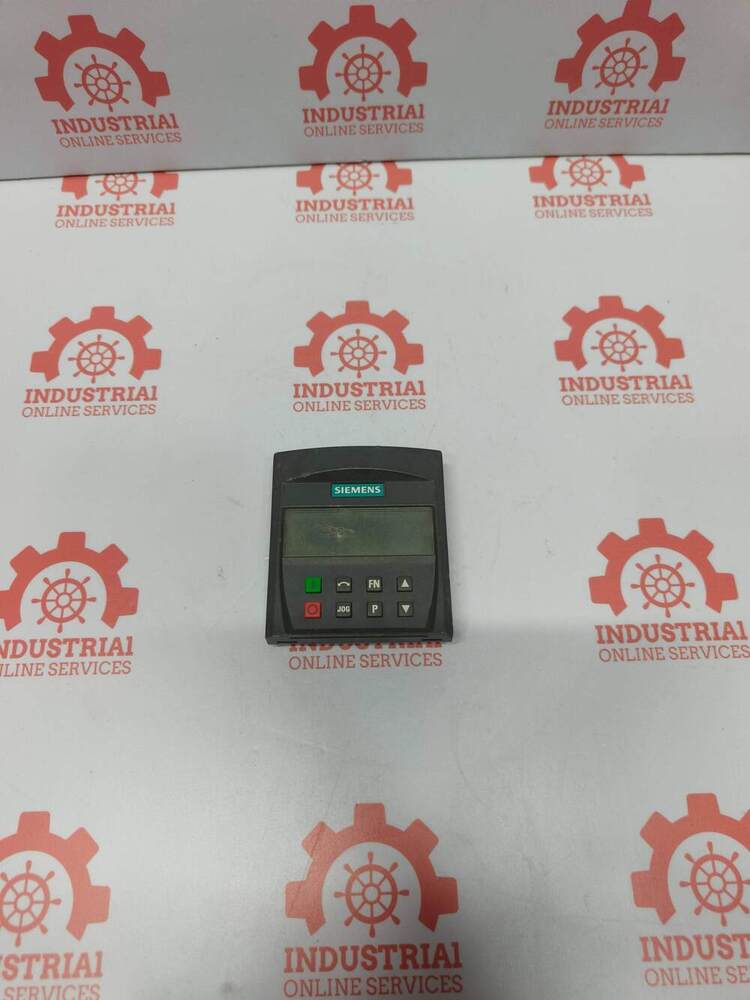
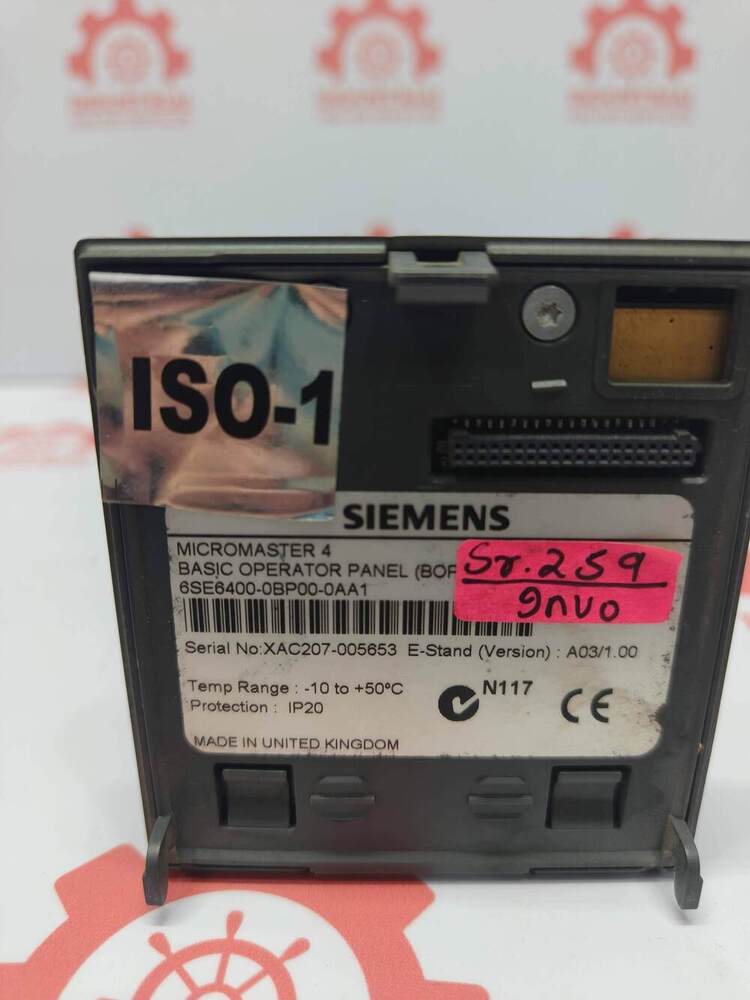
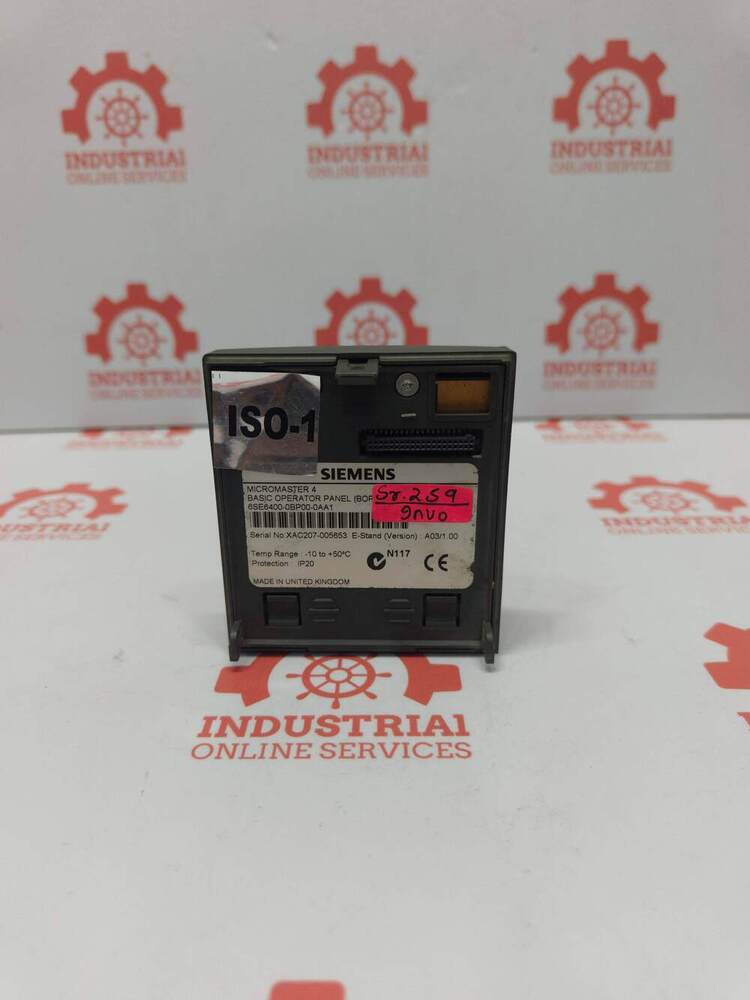
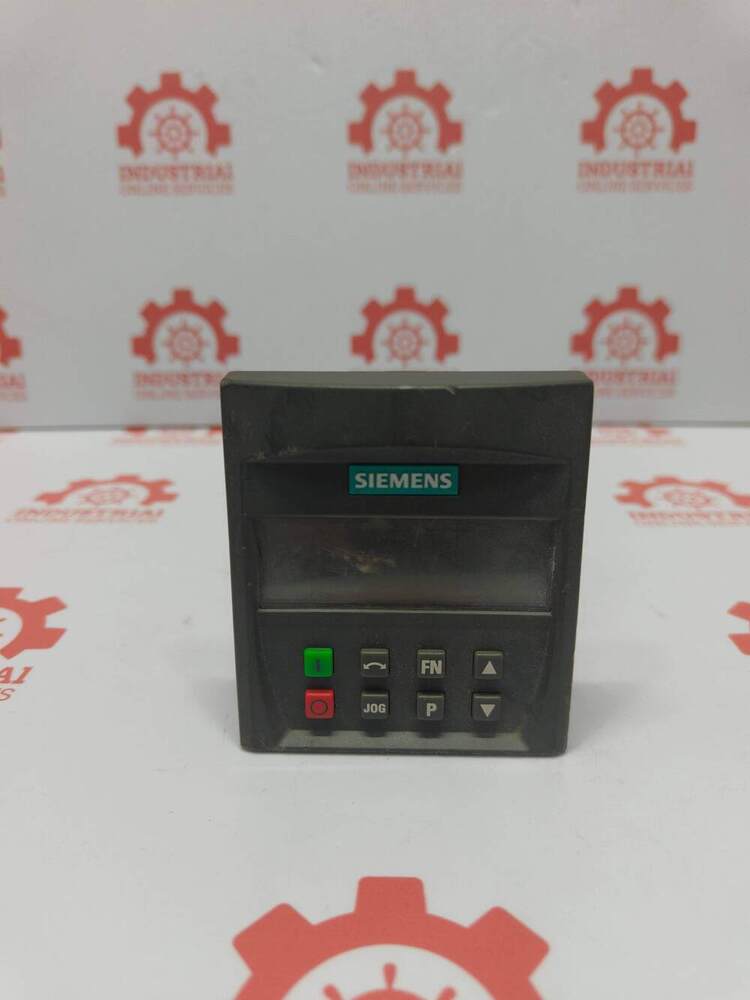
About SIEMENS 6SE6400-0BP00-0AA1 Basic Operator Panel (BOP) Designed For The MICROMASTER 4 Series Of Frequency Inverters (VFDs)
SIEMENS 6SE64000BP000AA1 Basic Operator Panel BOP Designed For The MICROMASTER 4 Series Of Frequency Inverters VFDs
Key Specifications Features
Compatibility Works seamlessly across the Siemens MICROMASTER 4 series specifically the MM420 MM430 and MM440 variants
Interface Display Equipped with a 5digit alphanumeric LCD screen and 8 functional keys for straightforward navigation manual drive operation and value altering
Connection Protocol Utilises default builtin interface communication often interfacing internally via RS232USS protocols on the drive face
Protection Class Rated at IP20 protection requires mounting within a protected enclosure or directly fixed on the VFD layout
Physical Profile Approximate dimensions sit at 110 x 80 x 40 mm with a lightweight build of roughly 01 to 03 kg
Effortless Parameter ManagementWith the Basic Operator Panel (BOP), configuring and transferring parameters between MICROMASTER 4 frequency inverters becomes exceptionally simple. The panel's intuitive navigation keypad and clear LCD display let users set, adjust, and monitor inverter parameters efficiently, reducing setup and maintenance time.
Comprehensive Diagnostic CapabilitiesThe BOP provides immediate access to diagnostic information and status alerts via both its 7-segment LED and LCD indicators. This helps users quickly identify issues and monitor operational statuses, contributing to efficient troubleshooting and minimizing downtime.
Versatile Plug-and-Play DesignThanks to its plug-in/plug-out installation, the panel serves as a portable solution for transferring parameter sets between devices. Its compact shape and panel mount compatibility with MICROMASTER 4 VFDs make installation straightforward, whether for initial setup or ongoing maintenance.
FAQ's of SIEMENS 6SE6400-0BP00-0AA1 Basic Operator Panel (BOP) Designed For The MICROMASTER 4 Series Of Frequency Inverters (VFDs):
Q: How do I use the SIEMENS 6SE6400-0BP00-0AA1 BOP to transfer parameters between inverters?
A: Simply plug the BOP into the parameter port of the source MICROMASTER 4 VFD, use the panel to save or copy the parameter set, then detach and connect to the target inverter. The copy function allows for quick transfer of configuration settings between compatible devices.
Q: What are the primary functions of this Basic Operator Panel?
A: This BOP is designed for parameter input, diagnostics, monitoring, and direct control (start/stop/reset) of MICROMASTER 4 series VFDs. Its display and navigation keys make inverter management more accessible and comprehensive.
Q: When should I use the panel's parameter copy function?
A: The parameter copy feature is especially useful during commissioning new drives, replacing existing ones, or ensuring consistent settings across multiple installations. It reduces manual configuration time and minimizes the potential for errors.
Q: Where is this operator panel mounted and with which inverters is it compatible?
A: The panel mounts directly onto the front of MICROMASTER 420, 430, and 440 models via the designated panel interface. It is tailored solely for the MICROMASTER 4 series VFDs and is not compatible with other inverter types.
Q: What process should I follow for troubleshooting using the BOP?
A: To troubleshoot, connect the BOP to the VFD. Use the display to view fault codes and operational statuses. The combination of the 2-line LCD and LED indicators offer clear diagnostics to guide corrective actions or adjustments.
Q: What are the main benefits of using this BOP for my MICROMASTER 4 VFDs?
A: The panel streamlines parameter setup, speeds up inverter commissioning, and simplifies diagnostics. Its portable design, direct interface with MICROMASTER 4 models, and no need for external power make it highly efficient for operational and maintenance tasks.






 Send Inquiry

 Send Inquiry
 Send Inquiry
 Send SMS