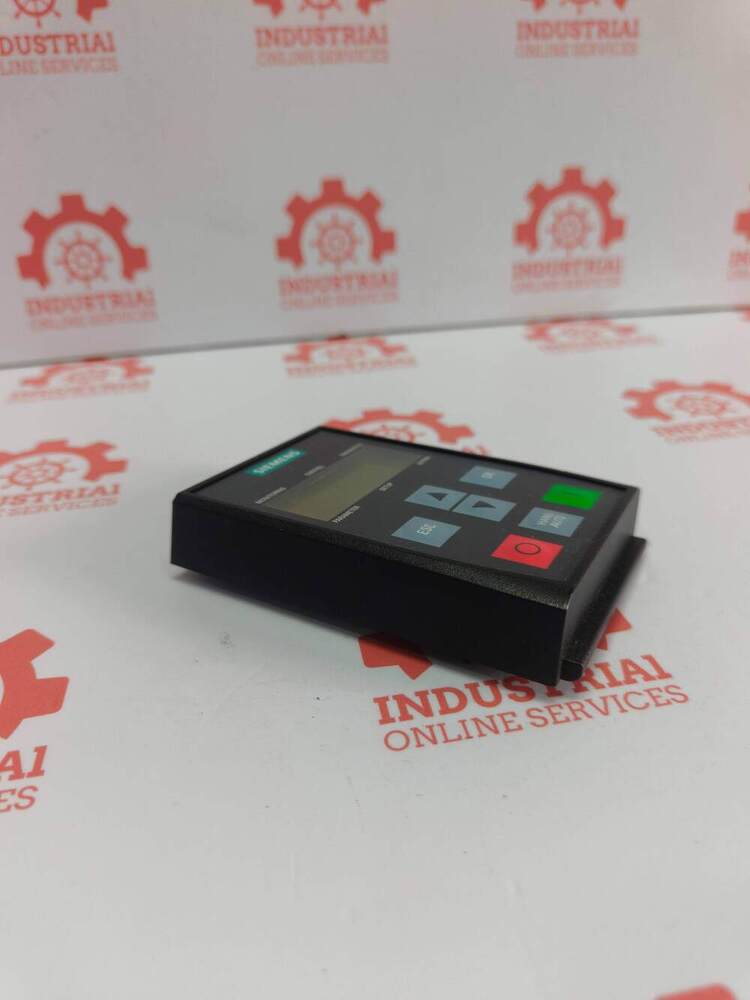
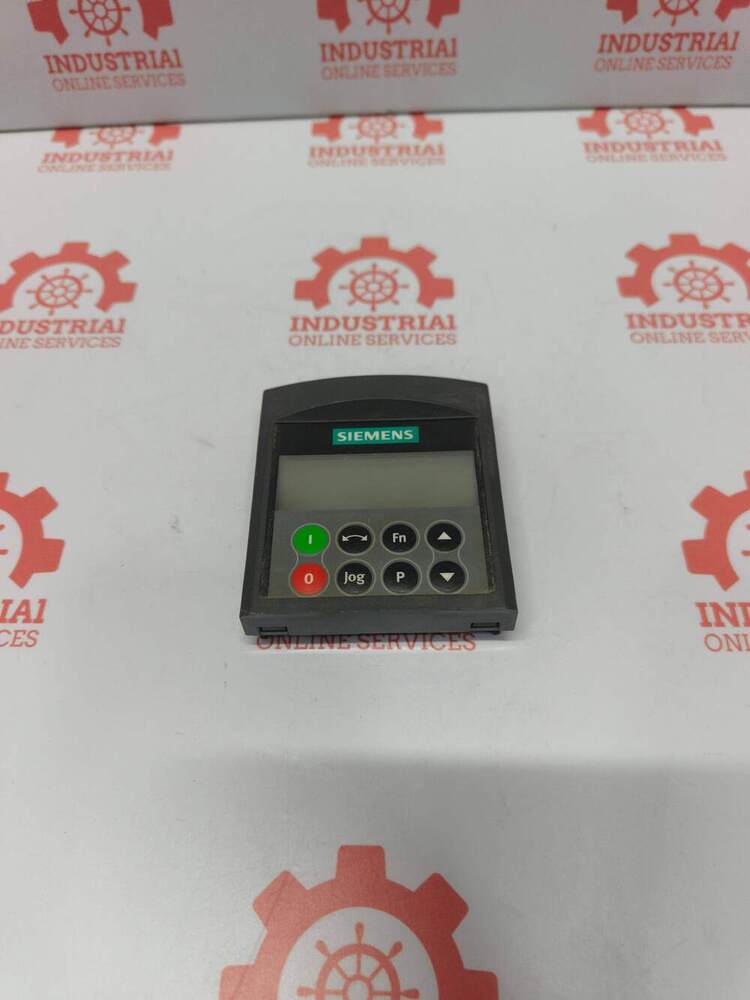
About SIEMENS 6SL3255-0AA00-4CA1 SINAMICS G120 Basic Operator Panel (BOP-2)
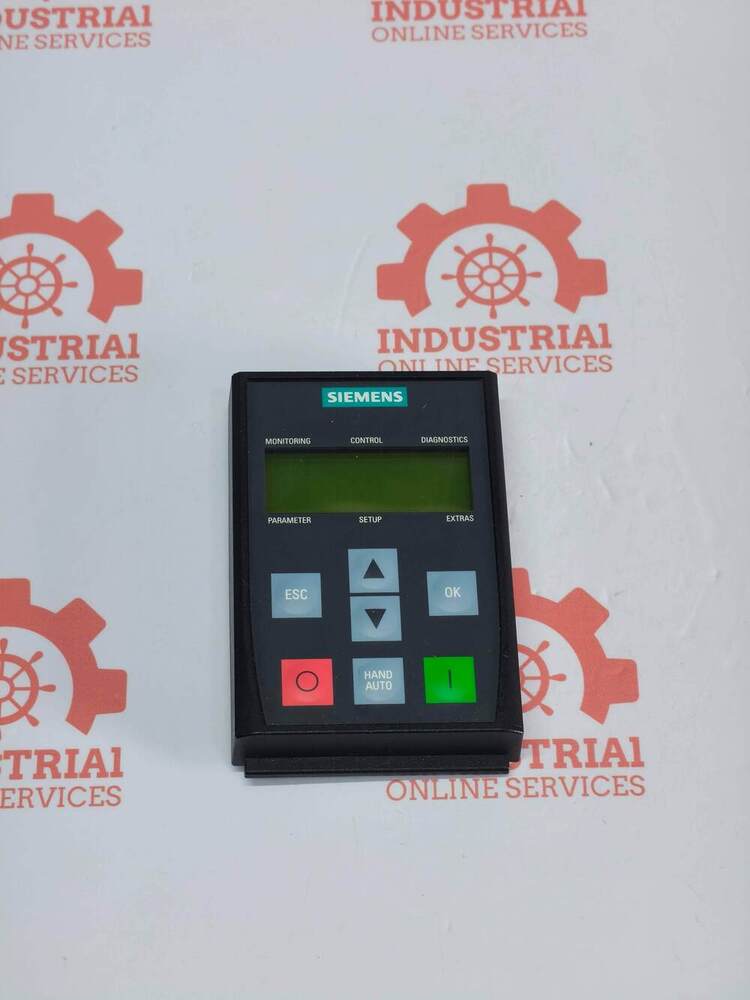
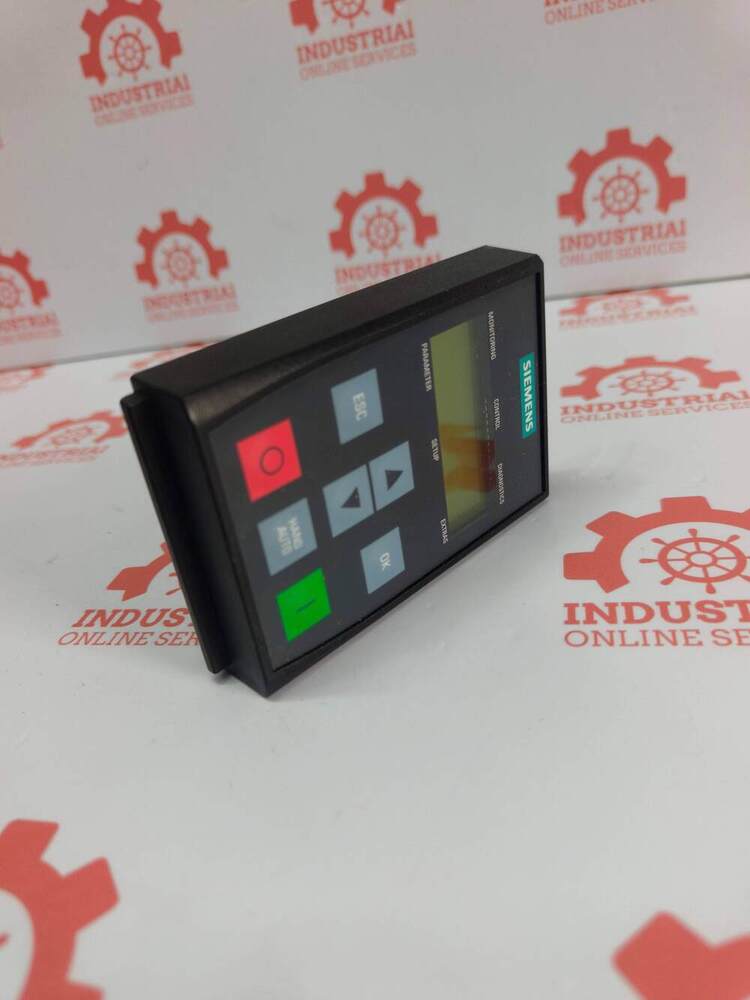
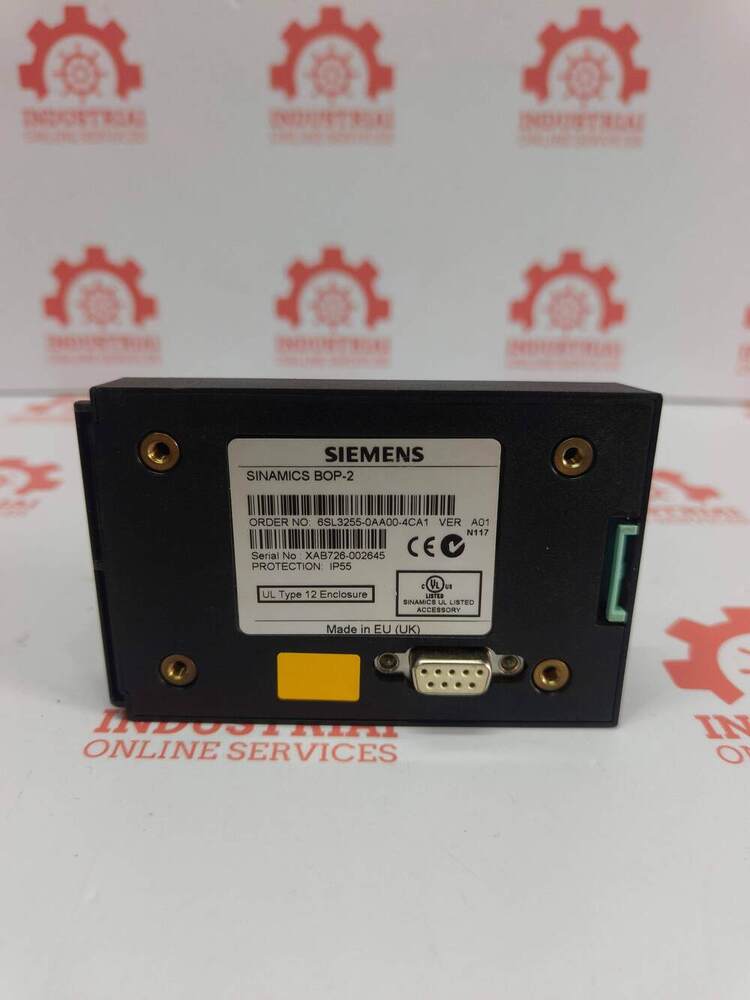
SIEMENS 6SL3255-0AA00-4CA1 SINAMICS G120 Basic Operator Panel (BOP-2)
Core Technical Specifications
- Display: 2-line LCD menu system. It explicitly renders multiple drive parameters and values at the same time to eliminate the need for printout parameter references.
- Protection Rating: IP55 / UL Type 12.
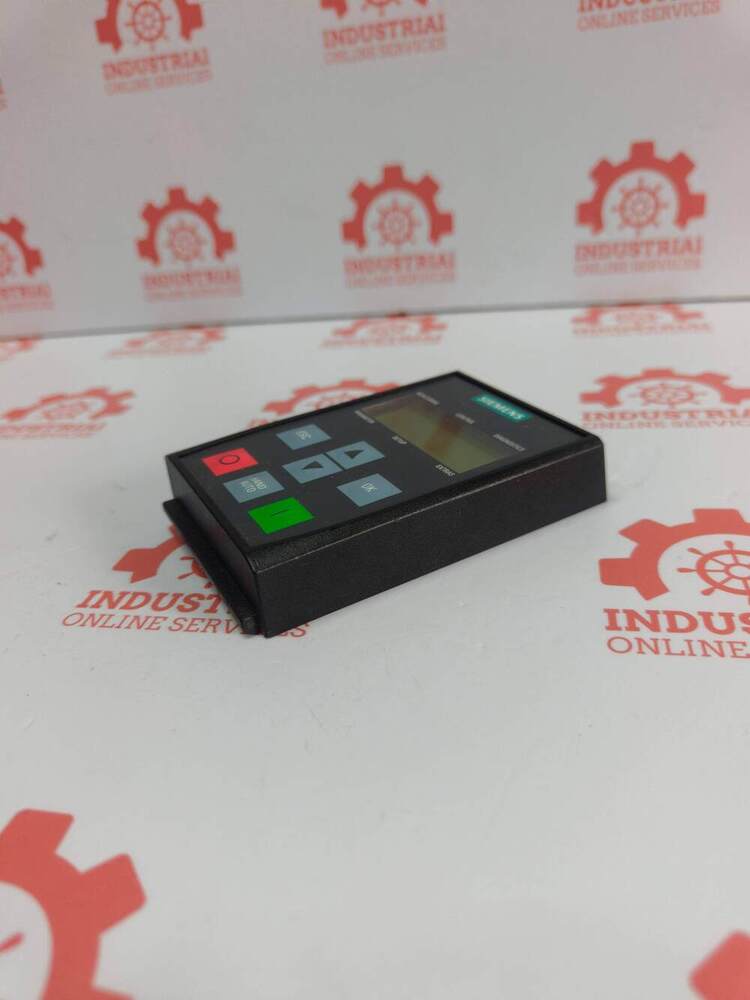
- Physical Form Factor: Net weight of 0.14 kg with catalog dimensions at 80.00 x 130.00 x 45.00 mm.
- Energy Consumption: Max 3.5 W.
- Product Lifecycle Status: PM300: Active Product, meaning it is actively supported and in production by Siemens.
Intuitive Drive InterfaceThe SINAMICS G120 Basic Operator Panel delivers a simple and functional interface with its dual-line LCD and tactile keypad. It streamlines parameter setting, commissioning, and diagnostic tasks, ensuring convenient and reliable operation for drive management.
Flexible Installation OptionsThe BOP-2 panel allows direct mounting on the SINAMICS drive or remote installation using an extension cable, adapting seamlessly to various panel configurations and operator preferences for ease of access and flexibility.
Comprehensive Parameter AccessWith full access to all drive parameters, users can configure and fine-tune the operation, perform diagnostics, and reset the drive when necessary. Firmware updates are carried out through the connected inverter, supporting up-to-date and reliable performance.
FAQ's of SIEMENS 6SL3255-0AA00-4CA1 SINAMICS G120 Basic Operator Panel (BOP-2):
Q: How do I install the SINAMICS G120 BOP-2 Operator Panel?
A: The BOP-2 can be easily clipped onto the front of the drive inverter or mounted remotely using a compatible extension cable. Detailed installation instructions are included in the manual, ensuring secure integration.
Q: What drives are compatible with the BOP-2 Operator Panel?
A: The BOP-2 is specifically designed for Siemens SINAMICS G120, G120C, G120P, and other compatible G series drives, allowing flexible application across different inverter models.
Q: When should I use the BOP-2 for my drive system?
A: Use the BOP-2 during commissioning for parameter setup, routine operation for adjustments, and whenever drive diagnostic or reset functions are required. It is particularly helpful for on-site troubleshooting and monitoring.
Q: Where can the BOP-2 panel be positioned during use?
A: The BOP-2 can be mounted directly onto the drive or installed remotely on a control panel, depending on your operational requirements and accessibility preferences.
Q: What is the process for updating firmware on the BOP-2 panel?
A: Firmware updates for the BOP-2 are conducted via the connected drive inverter. Follow Siemens' official update instructions to maintain optimal compatibility and performance.
Q: How does the BOP-2 benefit drive operation and maintenance?
A: It provides straightforward access to all drive parameters, simplifies commissioning, speeds up diagnostics, and ensures rapid reset or troubleshooting, contributing to efficient drive management and reduced downtime.






 Send Inquiry

 Send Inquiry
 Send Inquiry
 Send SMS